
Hasobi · EdTech · by Codava
First they understand the computer. Then they program it.
Today’s gamesTomorrow’s skills
Hasobi teaches children computers and coding at their own level and lays the groundwork for understanding AI. Bit the robot shows how a computer works, then sets coding puzzles.
- Multilingual
- No ads
- Free, no card needed

 11worlds
 54short lessons
 48robot puzzles
 3age levels
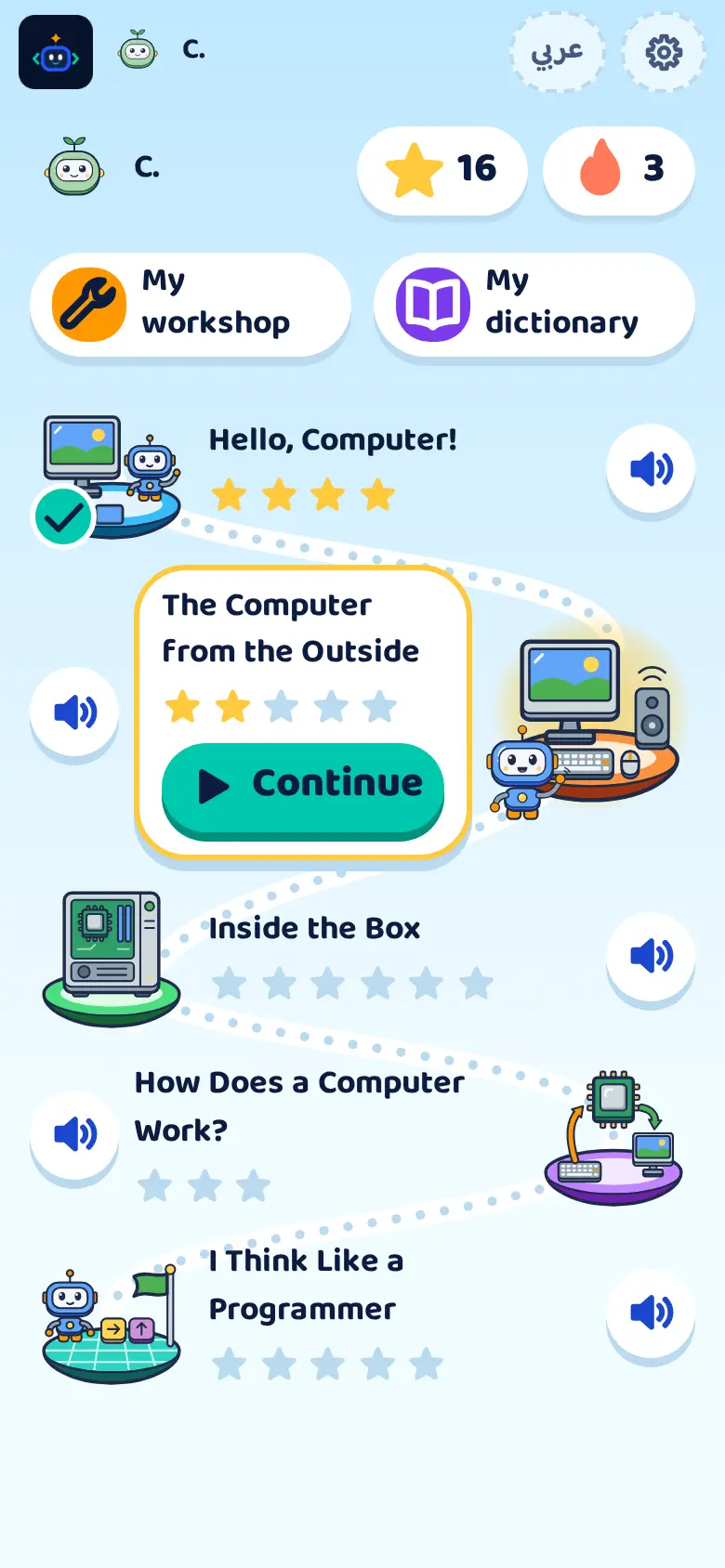
Eleven worlds, unlocked in order
Your child gets to know the parts of a computer and how they work, solves coding puzzles with Bit the robot, then finds out how AI learns and how to use it wisely.
- 1
Hello, Computer!
Meets the kinds of computers around them.
4 lessons - 2

The Computer from the Outside
Finds out what the screen, keyboard and mouse do.
5 lessons - 3

Inside the Box
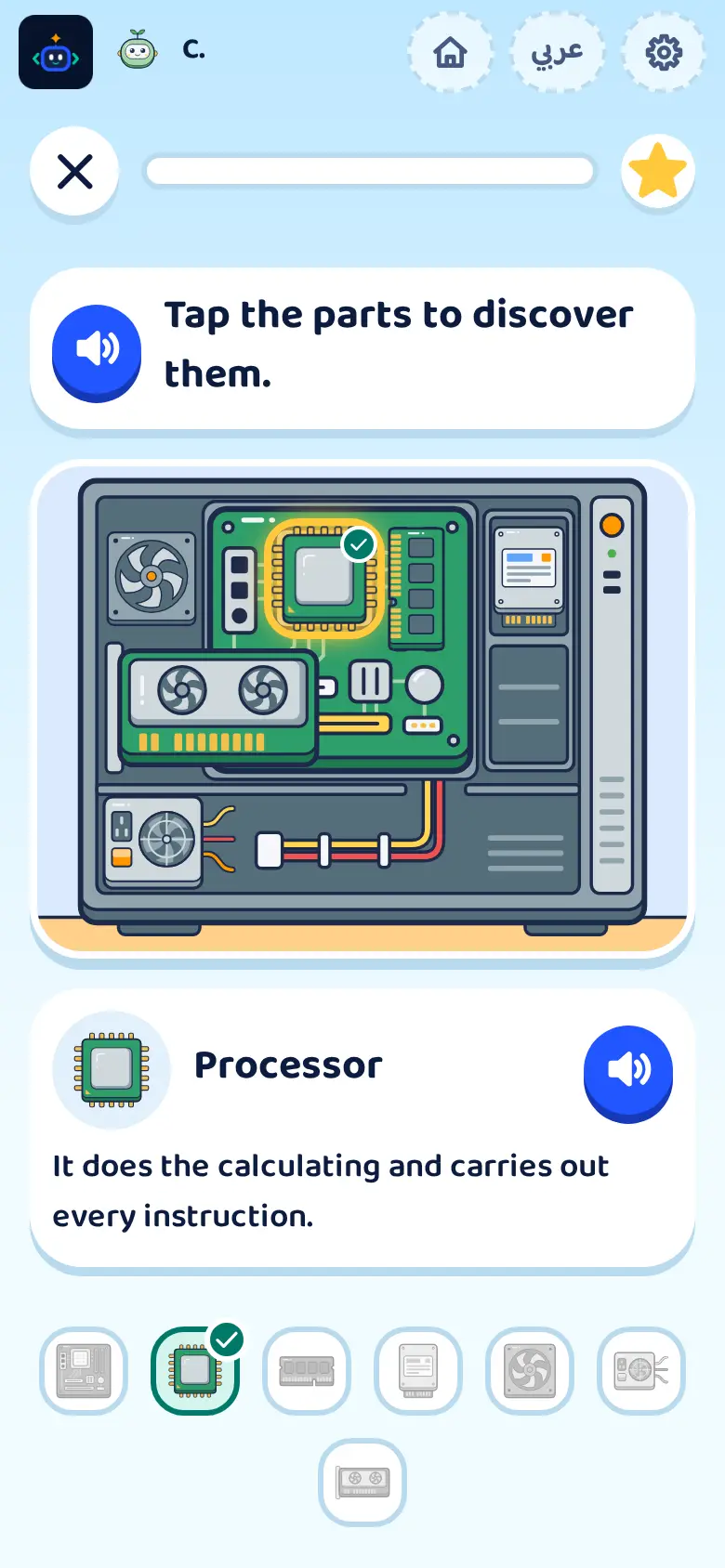
Meets the processor, memory and storage.
6 lessons - 4

How Does a Computer Work?
Follows how a computer takes in information and processes it.
4 lessons - 5

Software and Files
Tells hardware from software and keeps files in folders.
4 lessons - 6

The Computer's Language
Discovers zeros and ones, and that a picture is coloured dots.
4 lessons - 7

I Think Like a Programmer
Writes a sequence of commands and tests it with Bit.
6 lessons - 8

Internet and Networks
Follows a message from one device to another across the network.
4 lessons - 9

Digital Safety Heroes
Keeps private things private, asks a grown-up and is kind online.
6 lessons - 10

Bit Learns
Teaches Bit with examples and finds out why AI makes mistakes.
6 lessons - 11

Smart Helpers
Writes a clear request, checks the answer and stays the one who decides.
5 lessons
Hasobi keeps growing: regular updates add new worlds and learning modes.
How does your child learn before reading?
At the first level, Bit explains the lesson and reads the instructions out loud. Your child follows pictures and symbols and answers by tapping them.
Tap the parts to discover them
How every lesson goes
- 1
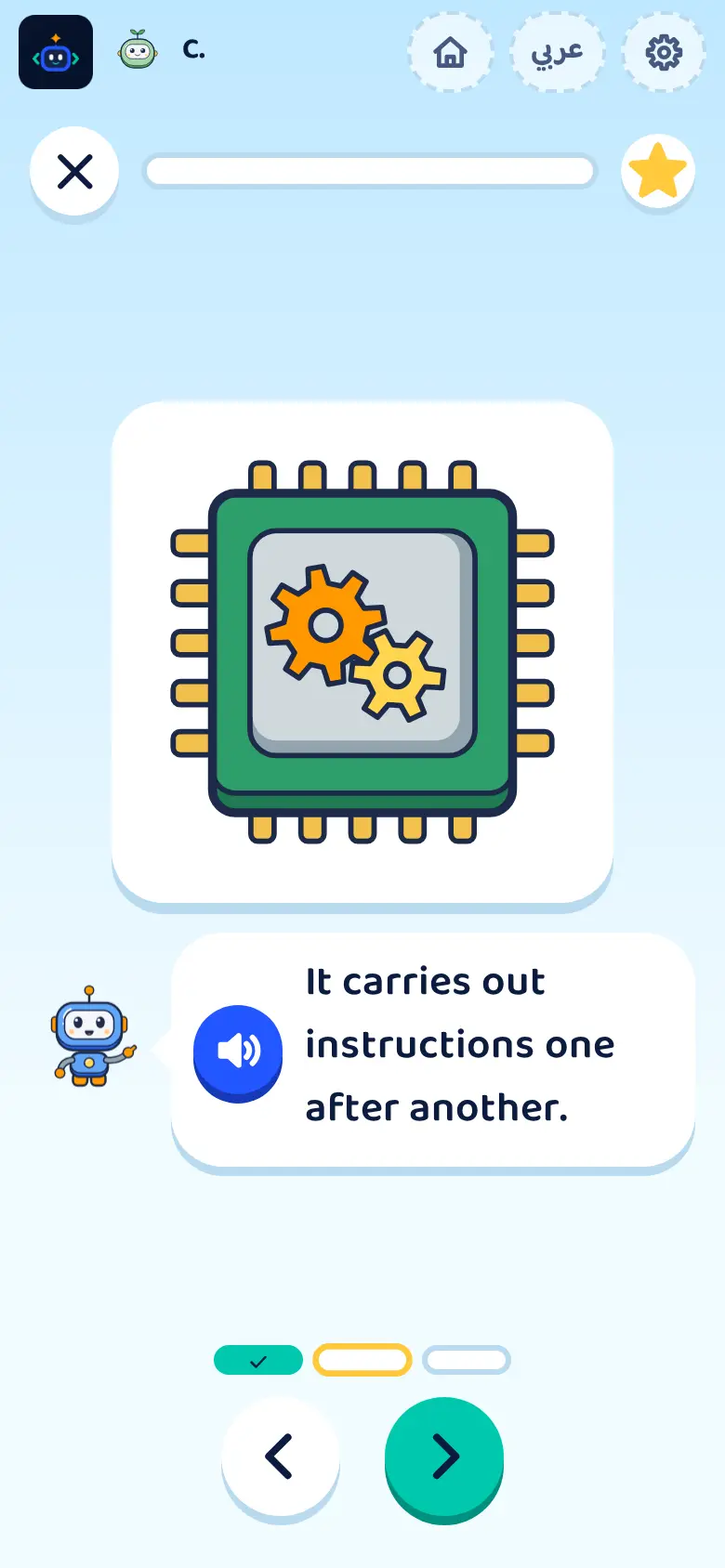
Listen
Bit explains it out loud.
- 2
Try
Explores, picks and sorts by hand.
- 3
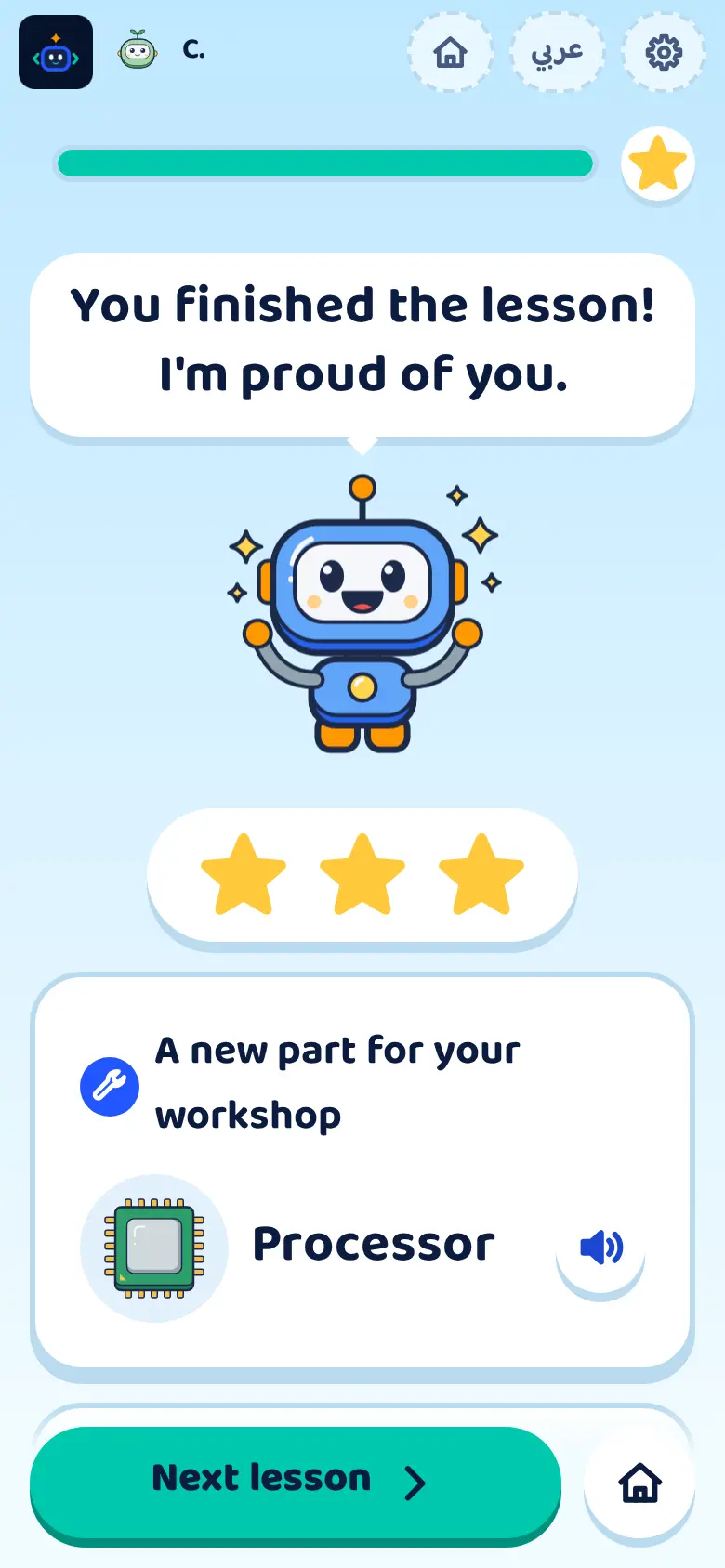
Collect
Stars and a new workshop part.
Coding puzzles
Thinking like a programmer
Line up commands and run them. If Bit goes the wrong way, your child finds the bug and fixes it.
 Sequence
 Loops
 Conditions
 Debugging
One lesson that grows with your child
Same content, three levels, matched to each age.
Ages 4–6
Moves Bit with arrows on a small grid.
Fully narrated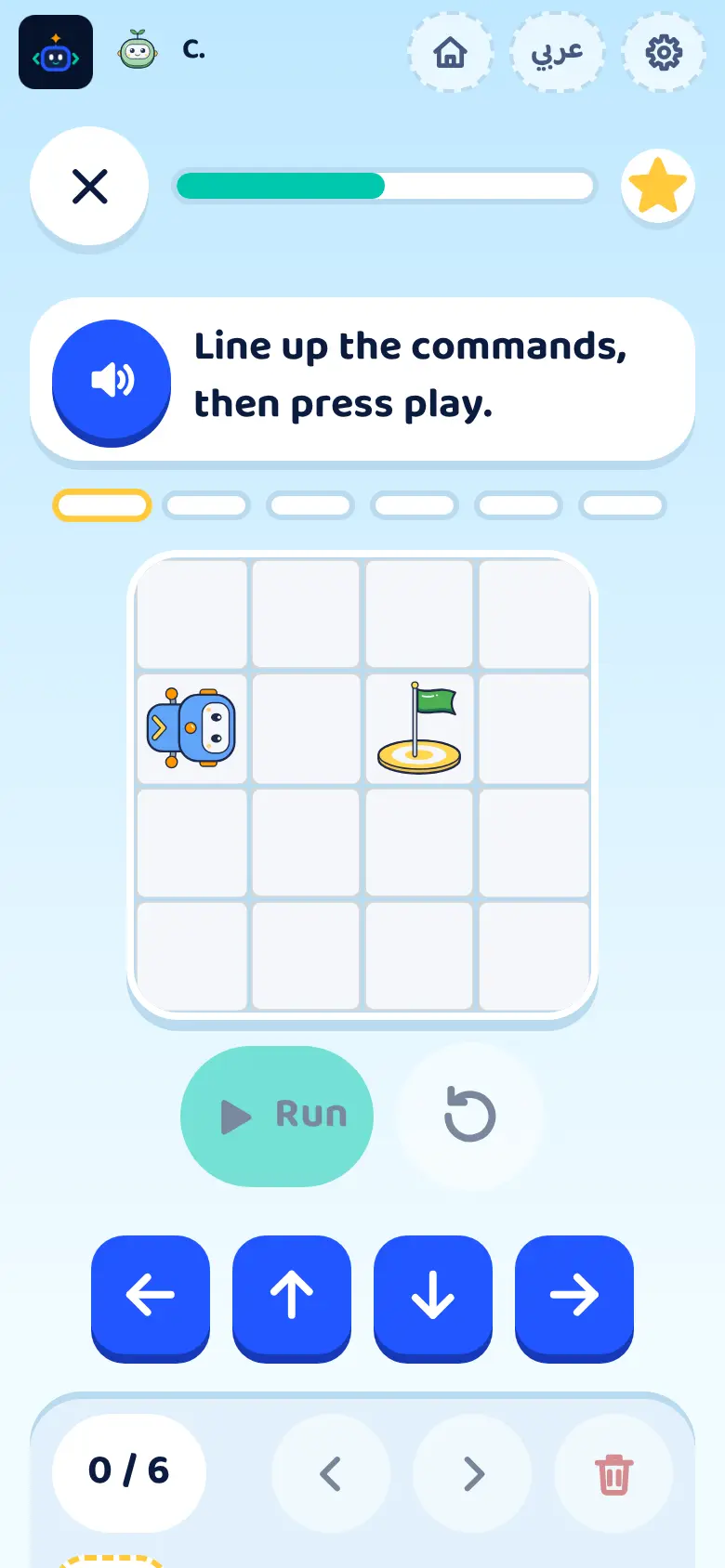
Ages 7–9
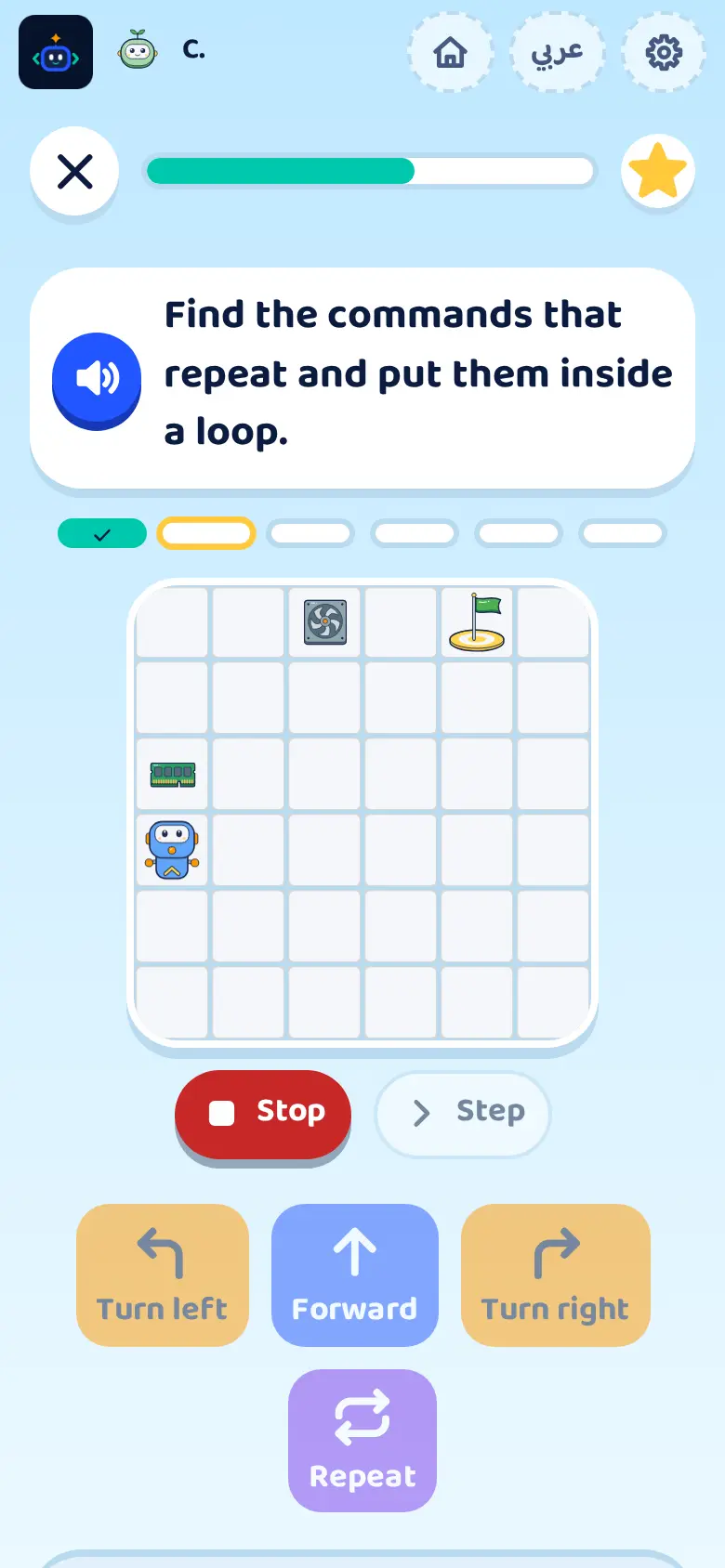
Tries loops and corrects the robot’s path.
Bigger board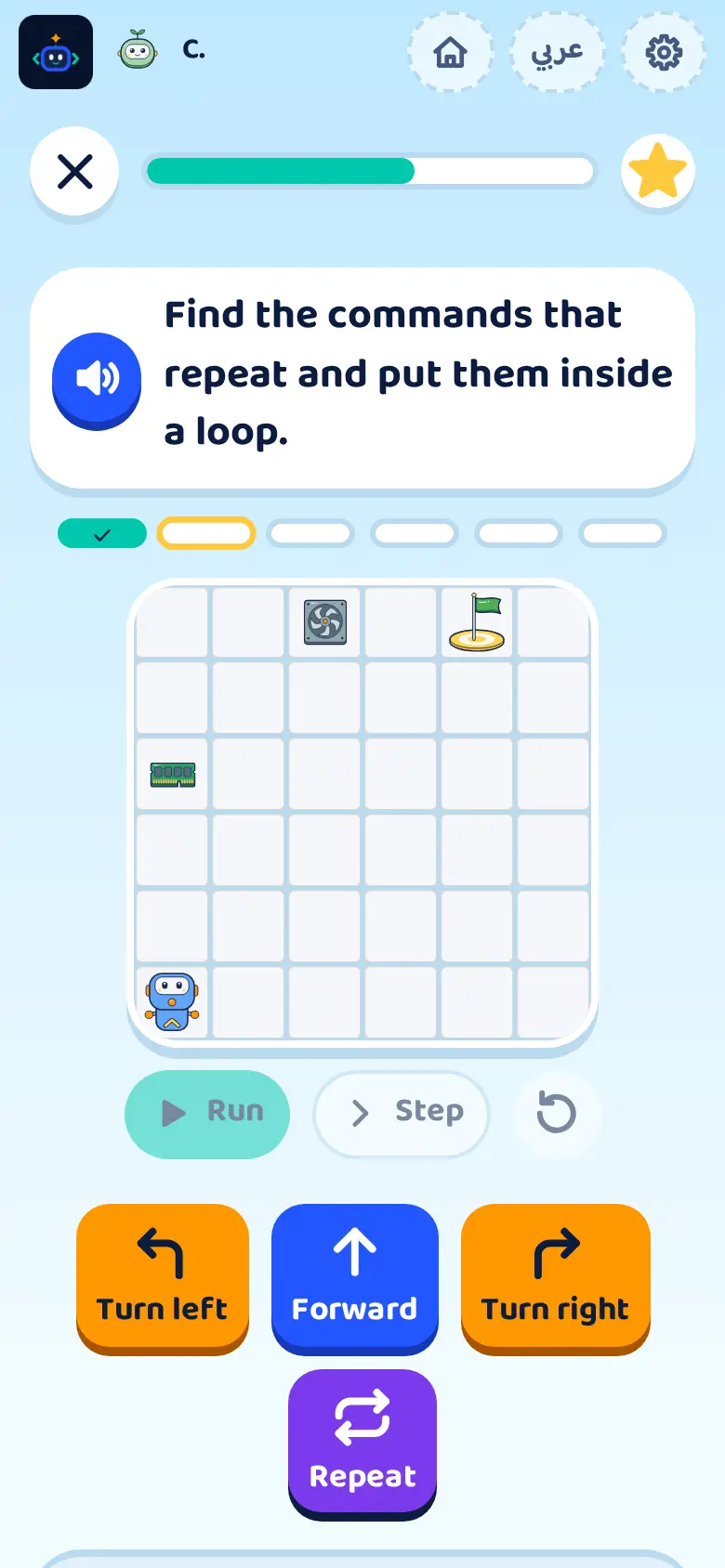
Ages 10–12
Plans a path around obstacles and picks the right command for each case.
Conditions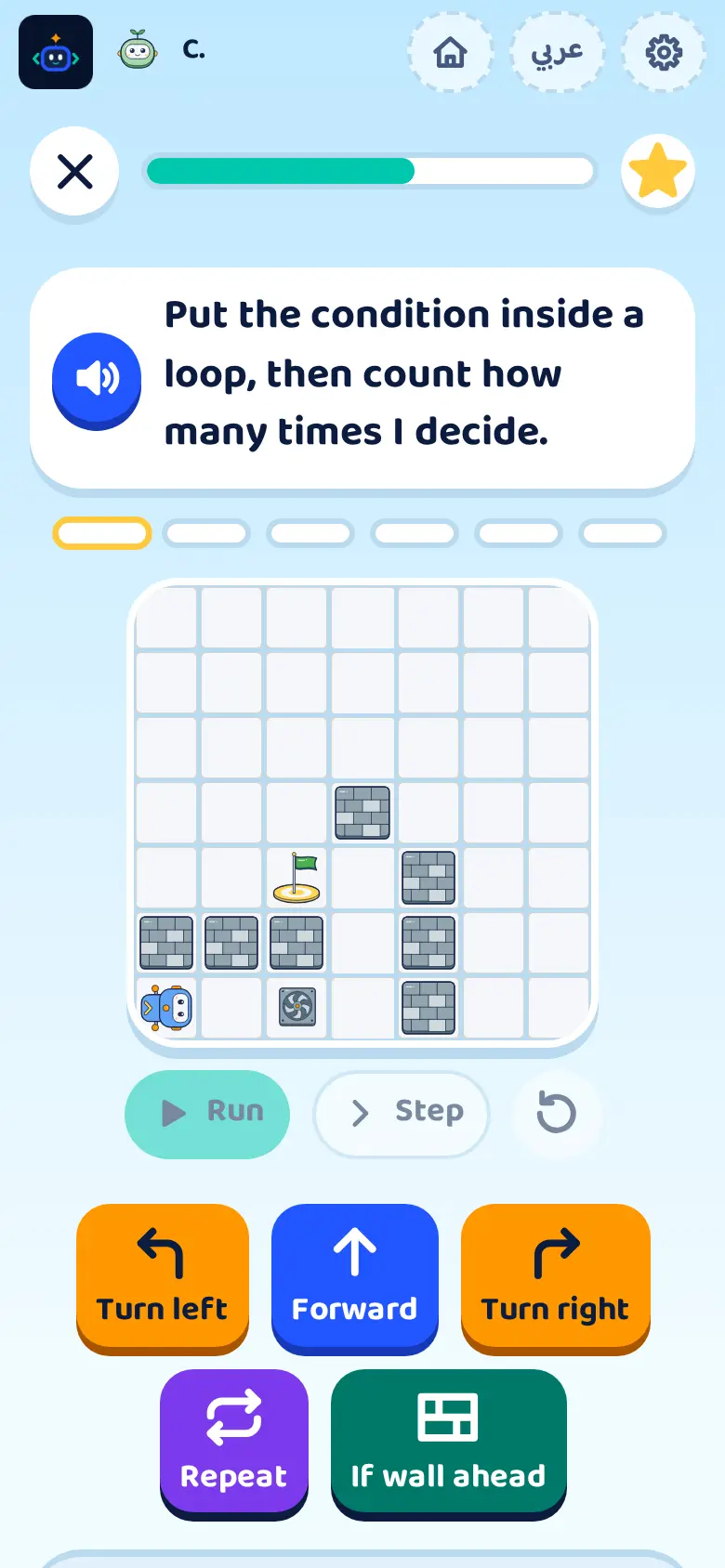
What your child collects
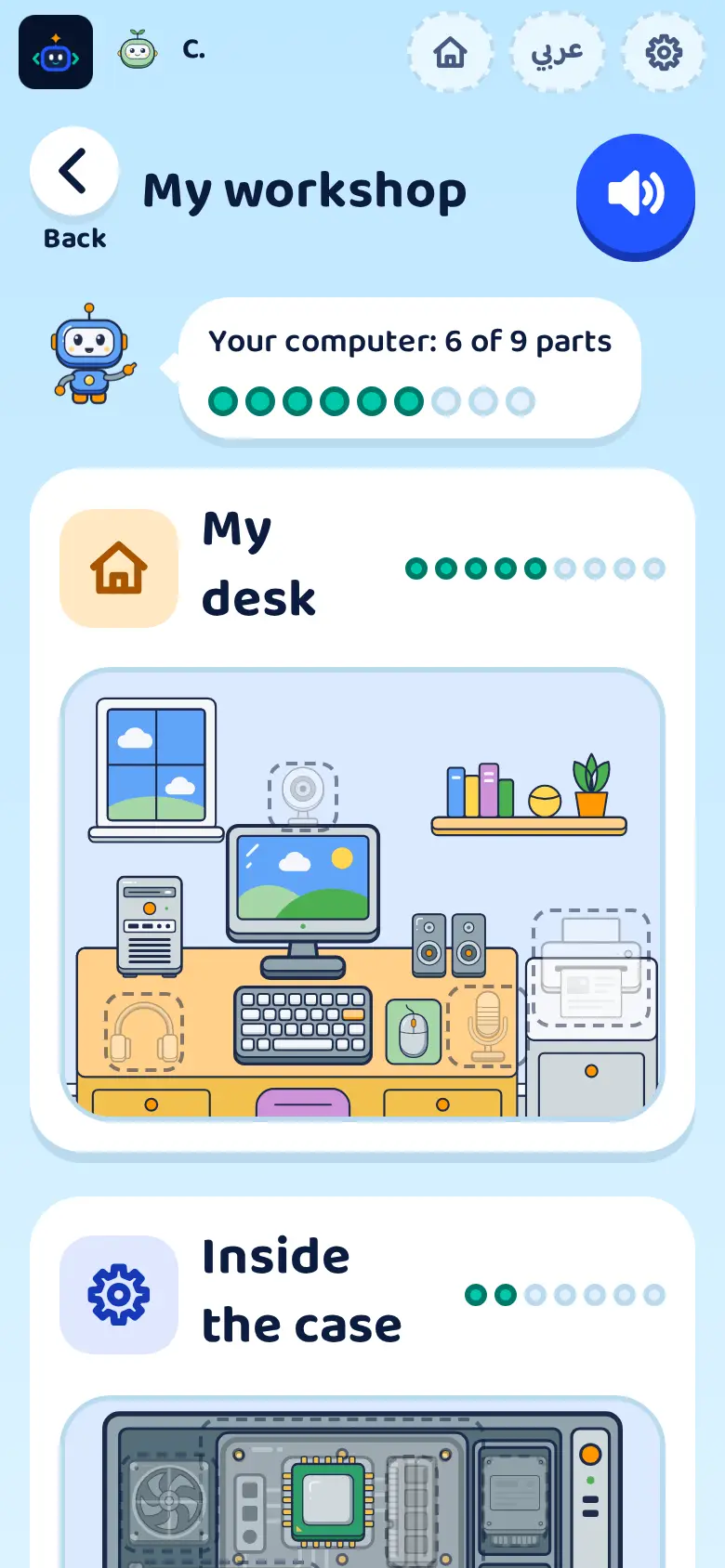
My workshop
Their computer gains a part every lesson.
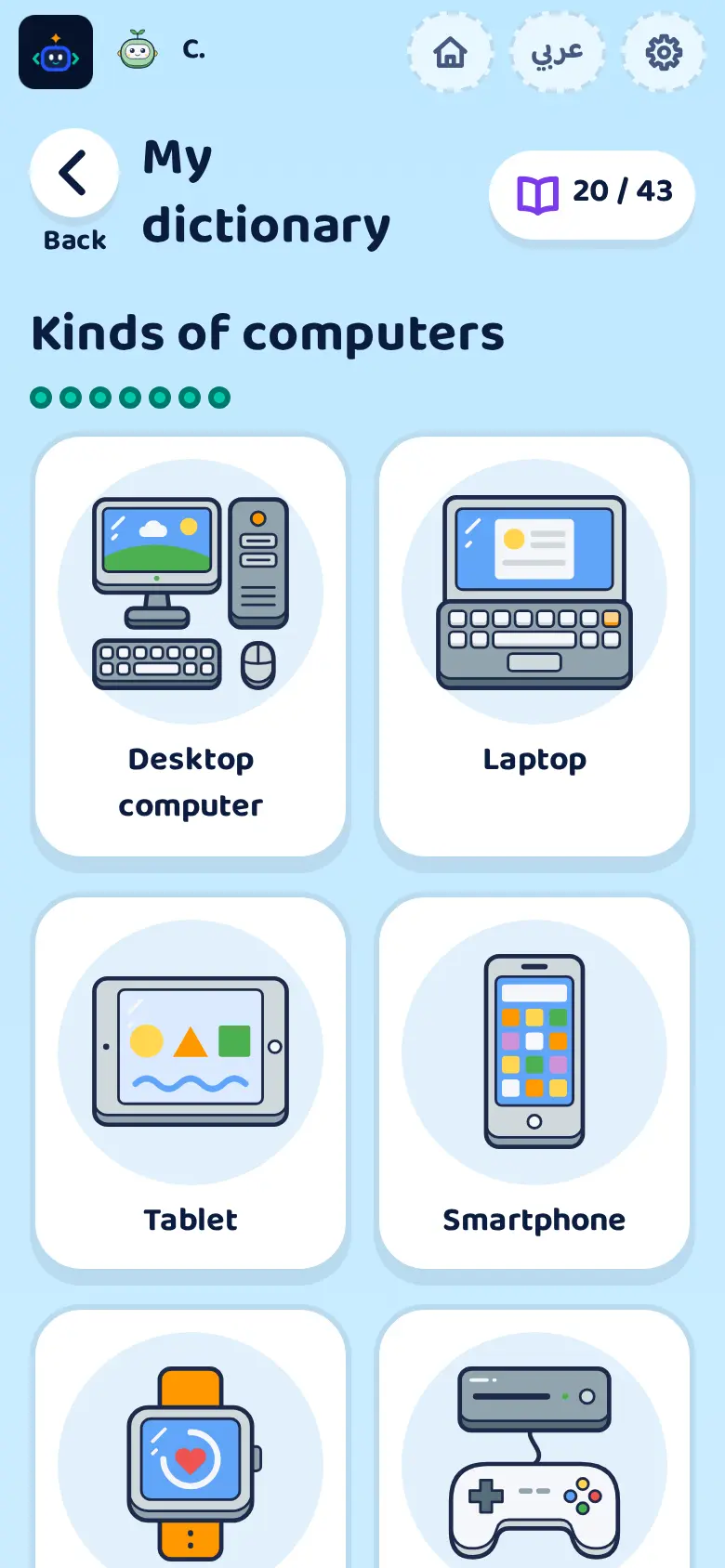
My dictionary
Every part they discover, and what it does.
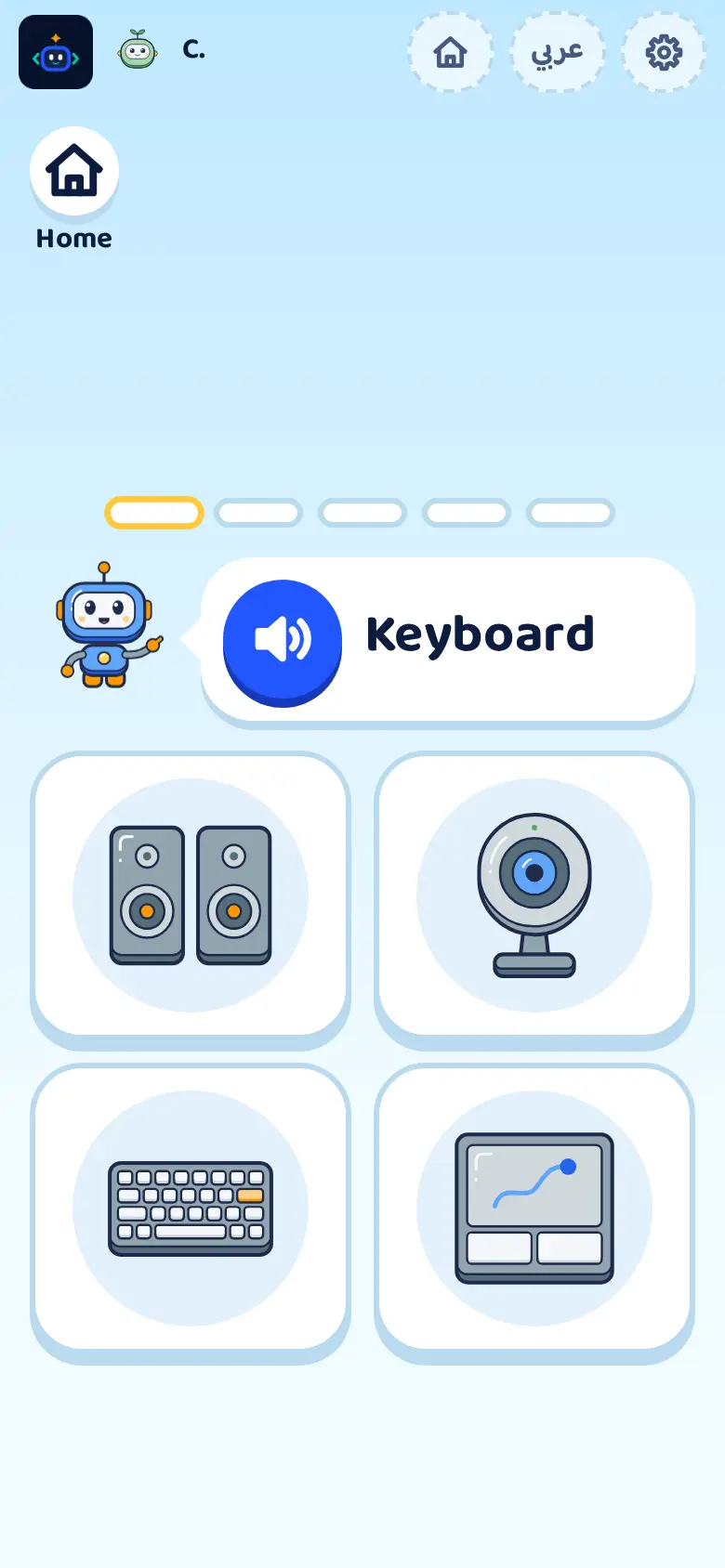
Daily review
Short questions bring lessons back.
And you stay in charge
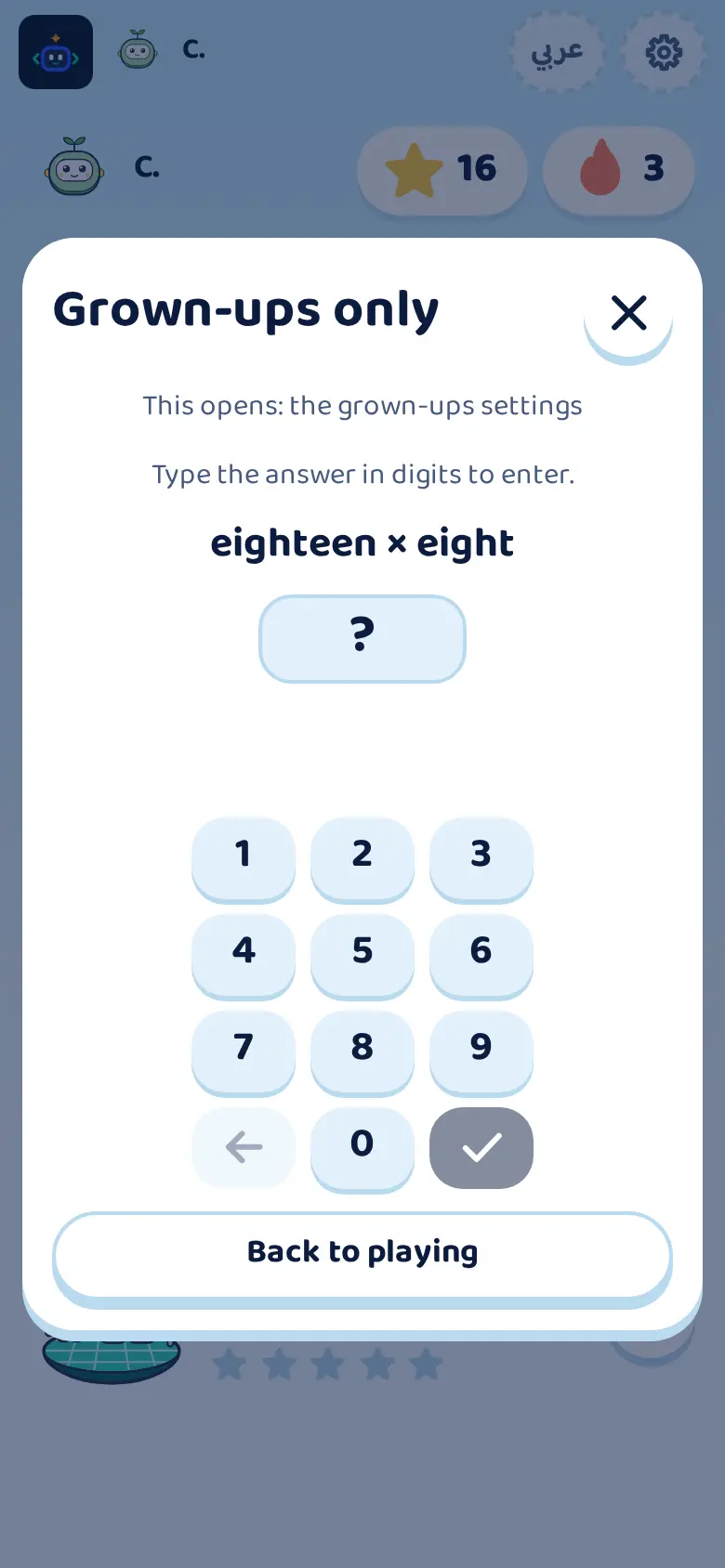
Grown-ups lock
Behind a question or a parent PIN.
Daily time you set
Extra time needs your OK.
Settings per child
Sound, contrast and motion.
Break reminders
Suggests a pause, never locks.
At home, in class, on the road
Hasobi runs in the browser on a phone, tablet or computer.
At home
A daily limit you set.
In class
Class display, no student records.
On the road
Works offline once a world is opened.
Questions from parents
Does my child need to read?
Not at ages 4 to 6: the first level is fully narrated.
Does it work offline?
Yes, after you open each world once while connected. Reserve offline learning time from the family space; results sync when you reconnect.
What do I need to start?
A free account for the parent or teacher, created with an email or a Google account, and an up-to-date browser on a phone, tablet or computer.
Do I pay anything to start?
No. Start free, with no card needed.
What about my child’s data?
No ads and no marketing tracking of children, and you can delete your children’s profiles from your account at any time.
Bit is ready when your child is
Create a parent account, add your child, start world one.
Create your free parent account